
How to Create Payment Methods?

12.06.2026

Payment methods are labels that record how a client made a payment – for example, Bank transfer, Bitcoin, or USDT. They are used when logging top-ups, so you can track the payment channel for each transaction.

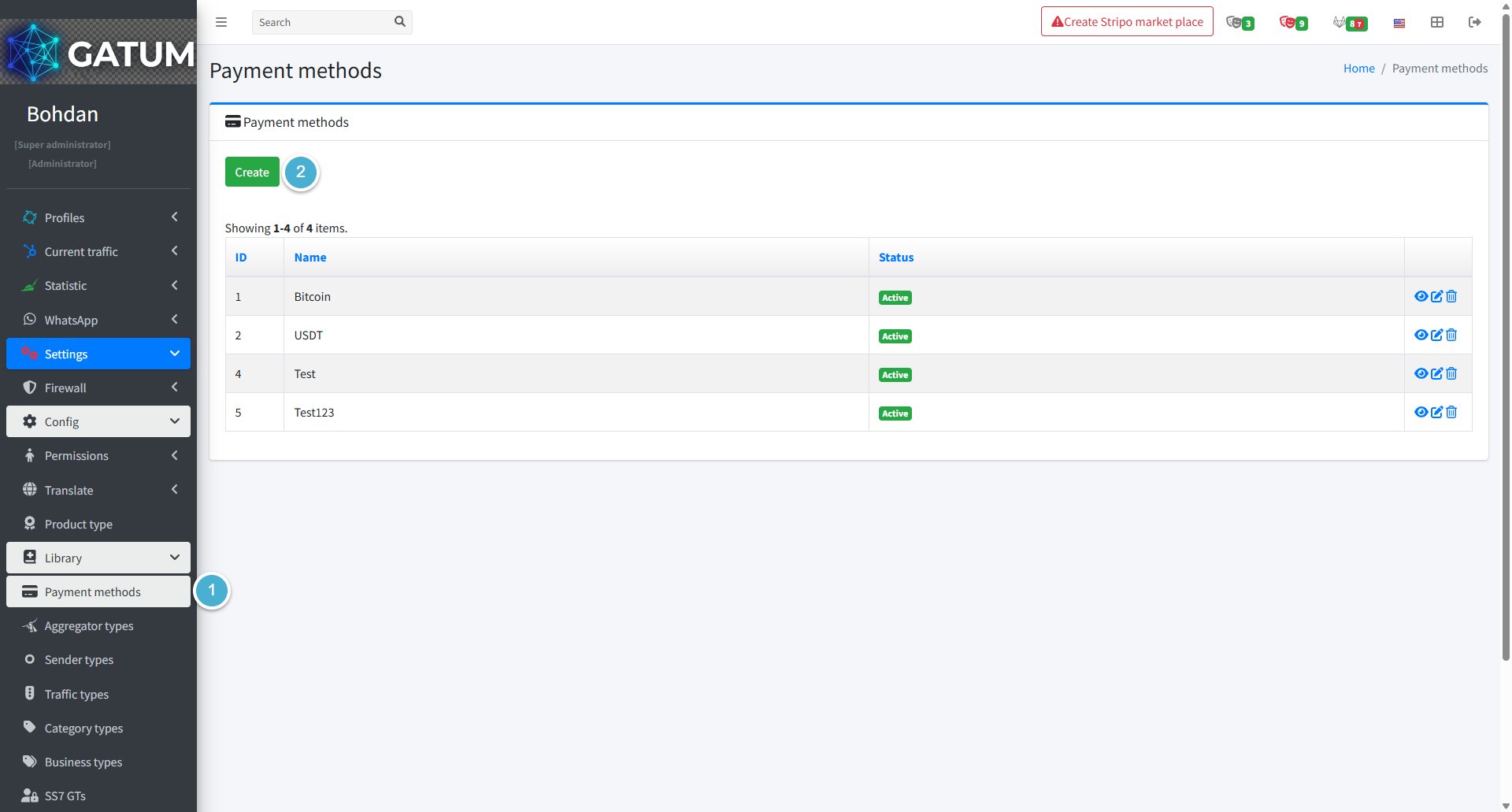
Go to Settings → Config → Library → Payment methods.

Click Create:

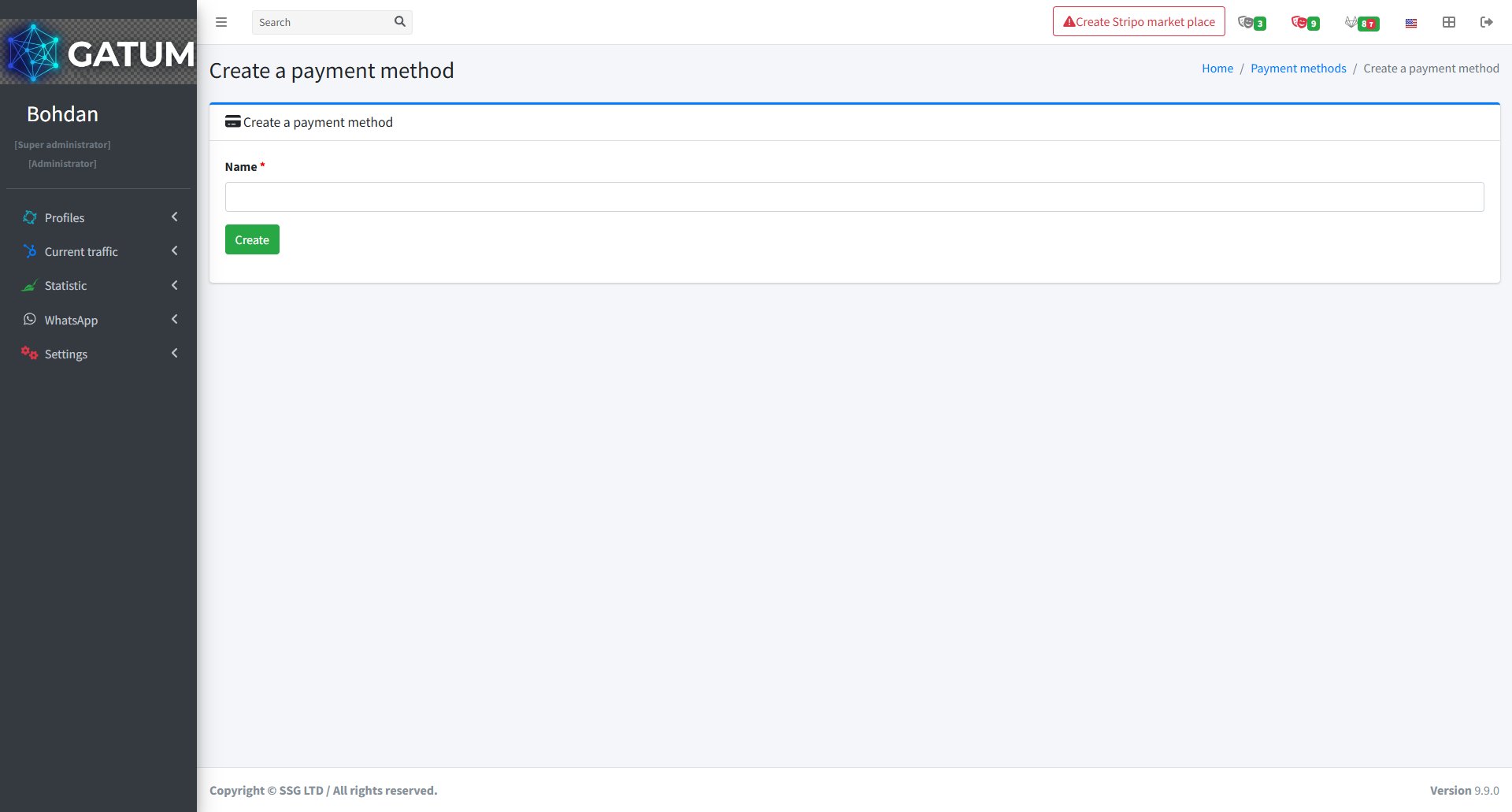
In the window that opens:

In the Name field, enter the name of the payment method (e.g. Bank transfer, Bitcoin, USDT).

Click Create.

Once created, the method appears in the Payment methods list with a status of Active and becomes available as an option when recording a client payment.