
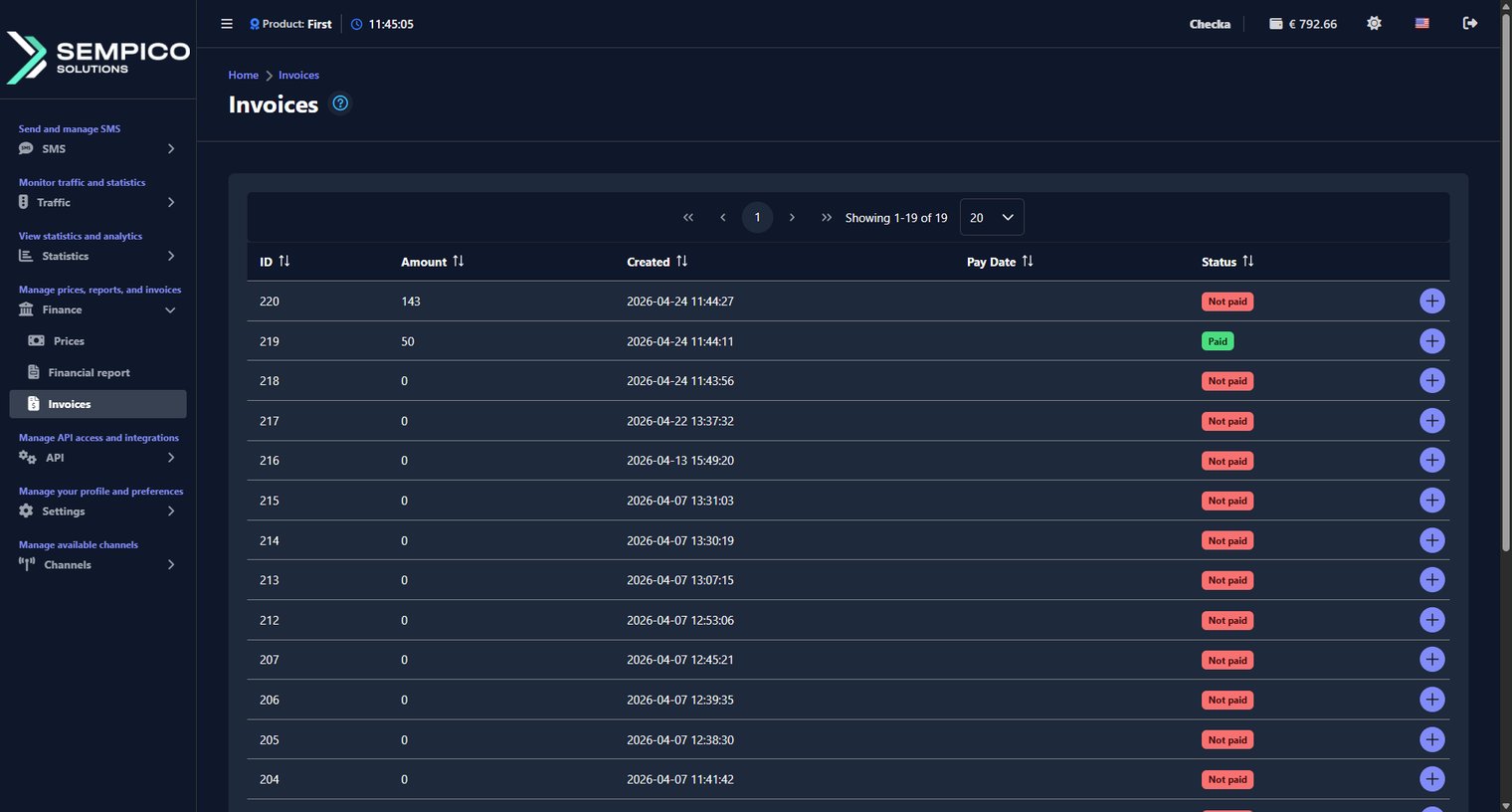
Invoices are generated by your Gatum manager and sent to your web panel automatically. You can view and download them at any time without contacting your manager.
Go to Finance → Invoices.

Each row in the table shows one invoice:
|
Column |
What it shows |
|
ID |
The unique invoice ID |
|
Amount |
The invoice amount |
|
Created |
The date and time the invoice was created |
|
Pay Date |
The date when the payment was processed |
|
Status |
The current status — Paid or Not paid |
If you want to download an invoice, click the + button on the right side of the row, then click the Invoice button to save the file to your device.