How to Copy Routing from Another Client?

12.06.2026

If you've already set up routing for one client and need to apply the same configuration to another, you can copy it in a few clicks instead of creating routes from scratch.

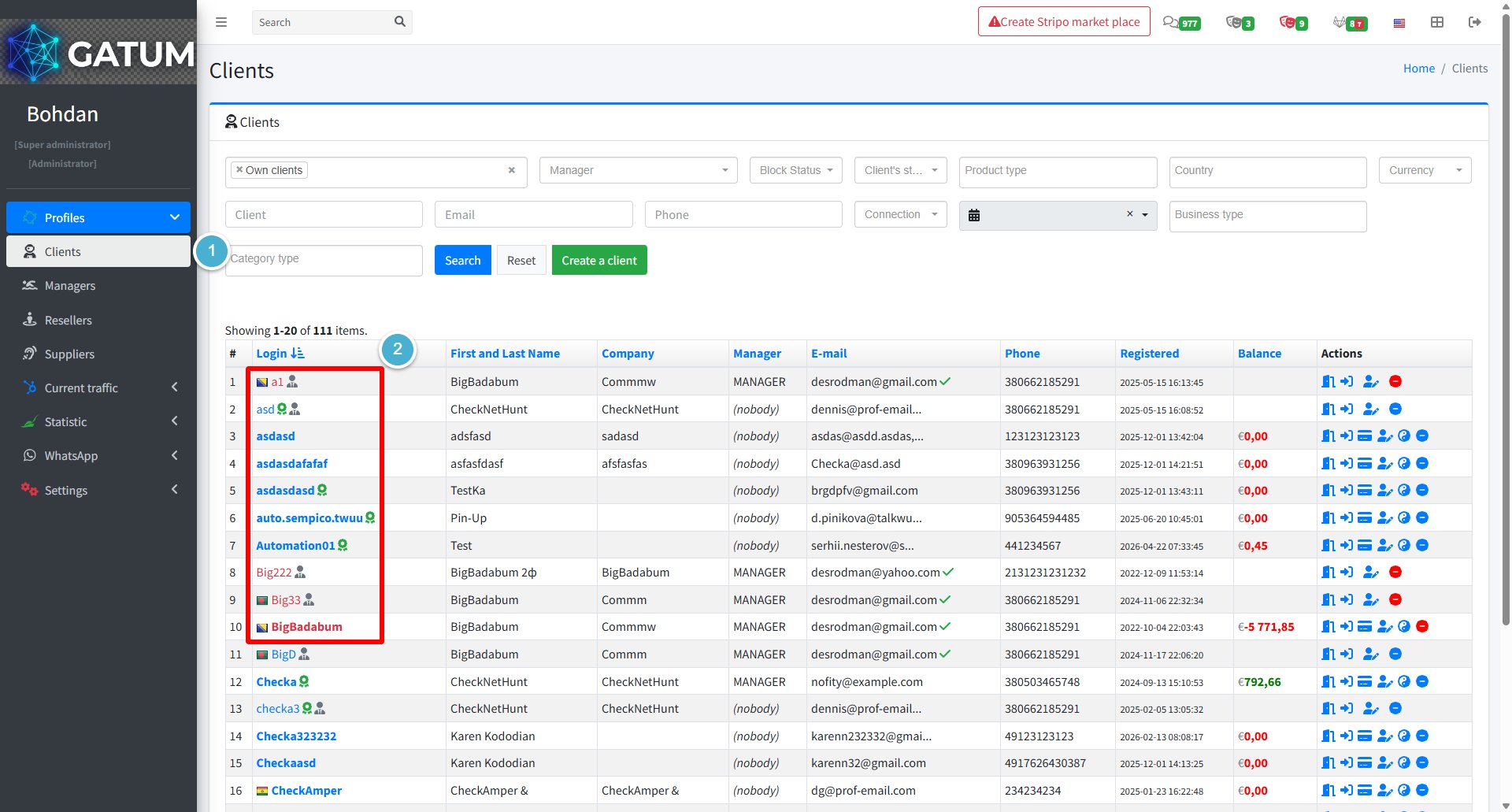
Go to Profiles → Clients.

Click on the name of the client you want to copy the routing to.

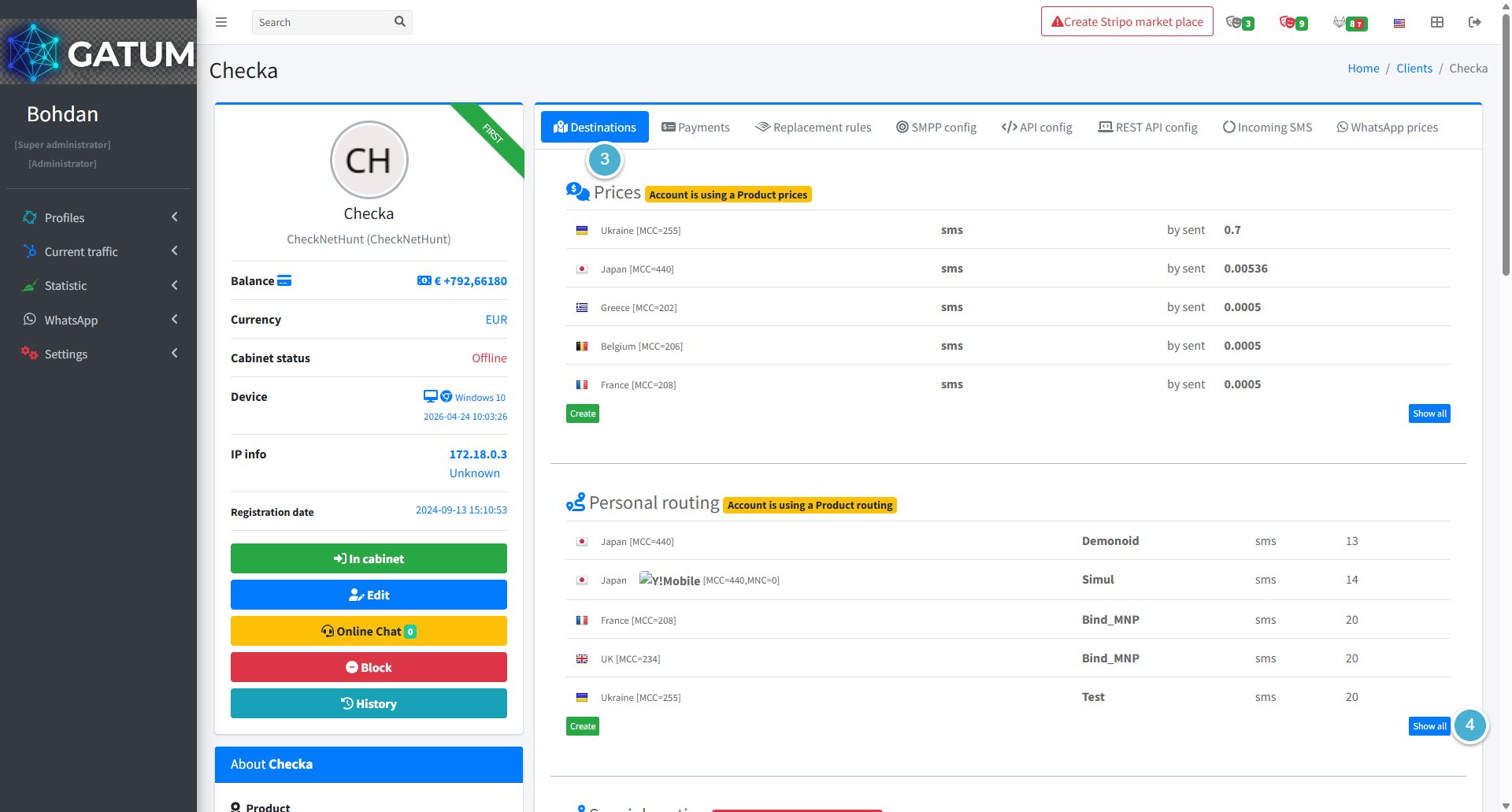
Open the Destinations tab.

Click Show all in the Personal routing block.

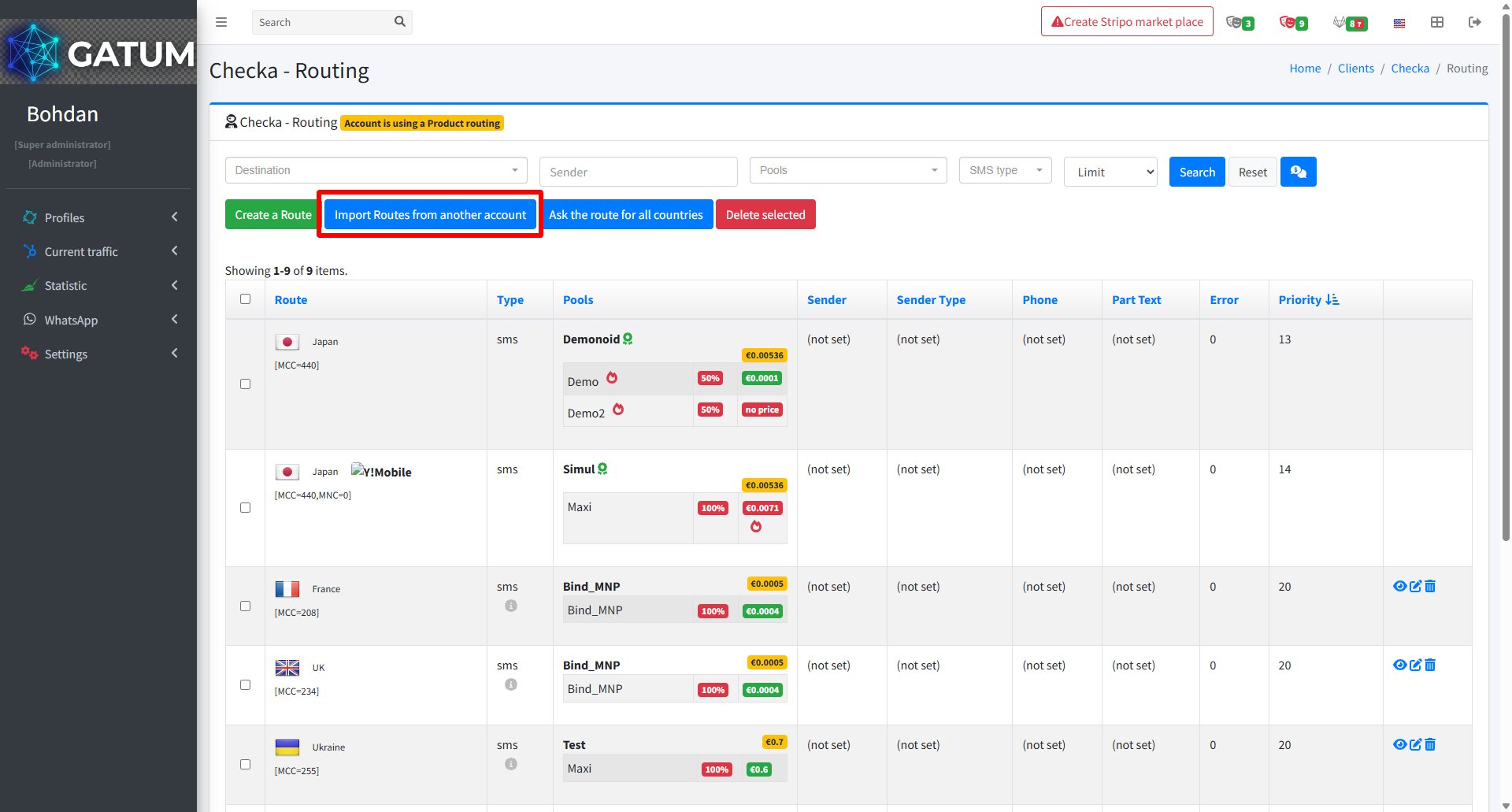
In the window that opens, click Import Routes from another account.

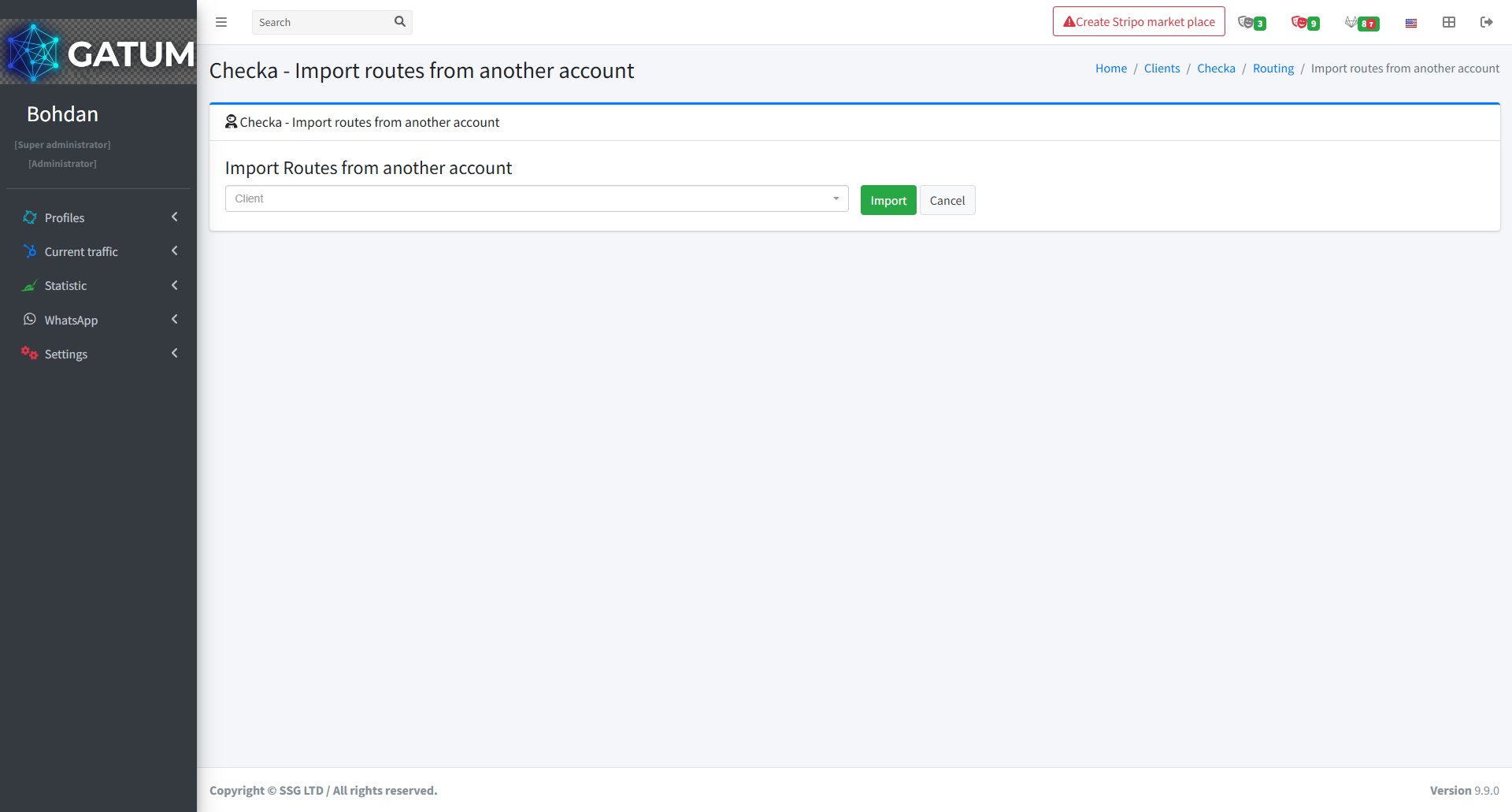
In the window that opens:

Select the client whose routing you want to copy from the dropdown and click Import.

All routes from the selected account will be copied to this client's routing immediately.